Flippee Ball
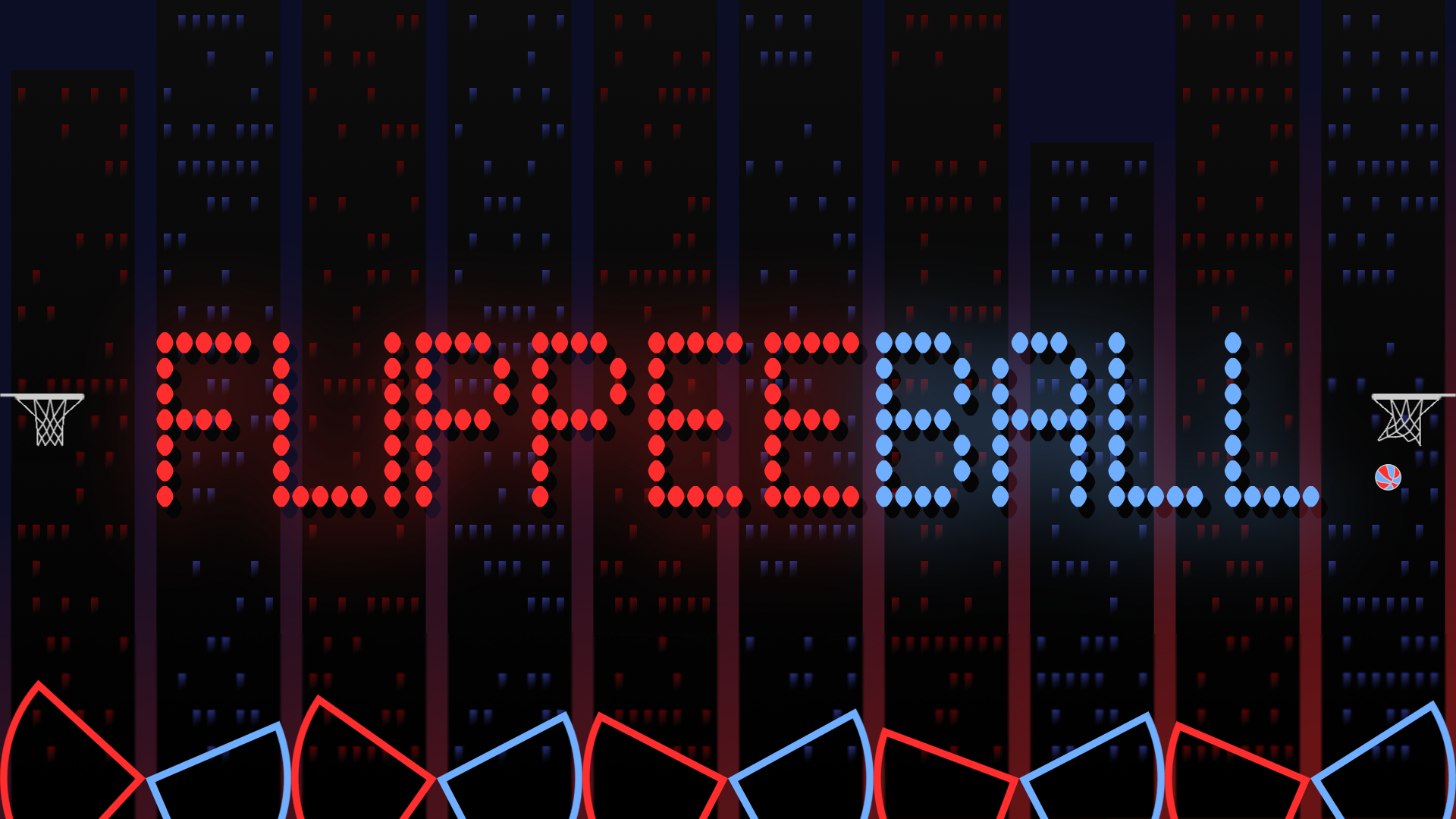
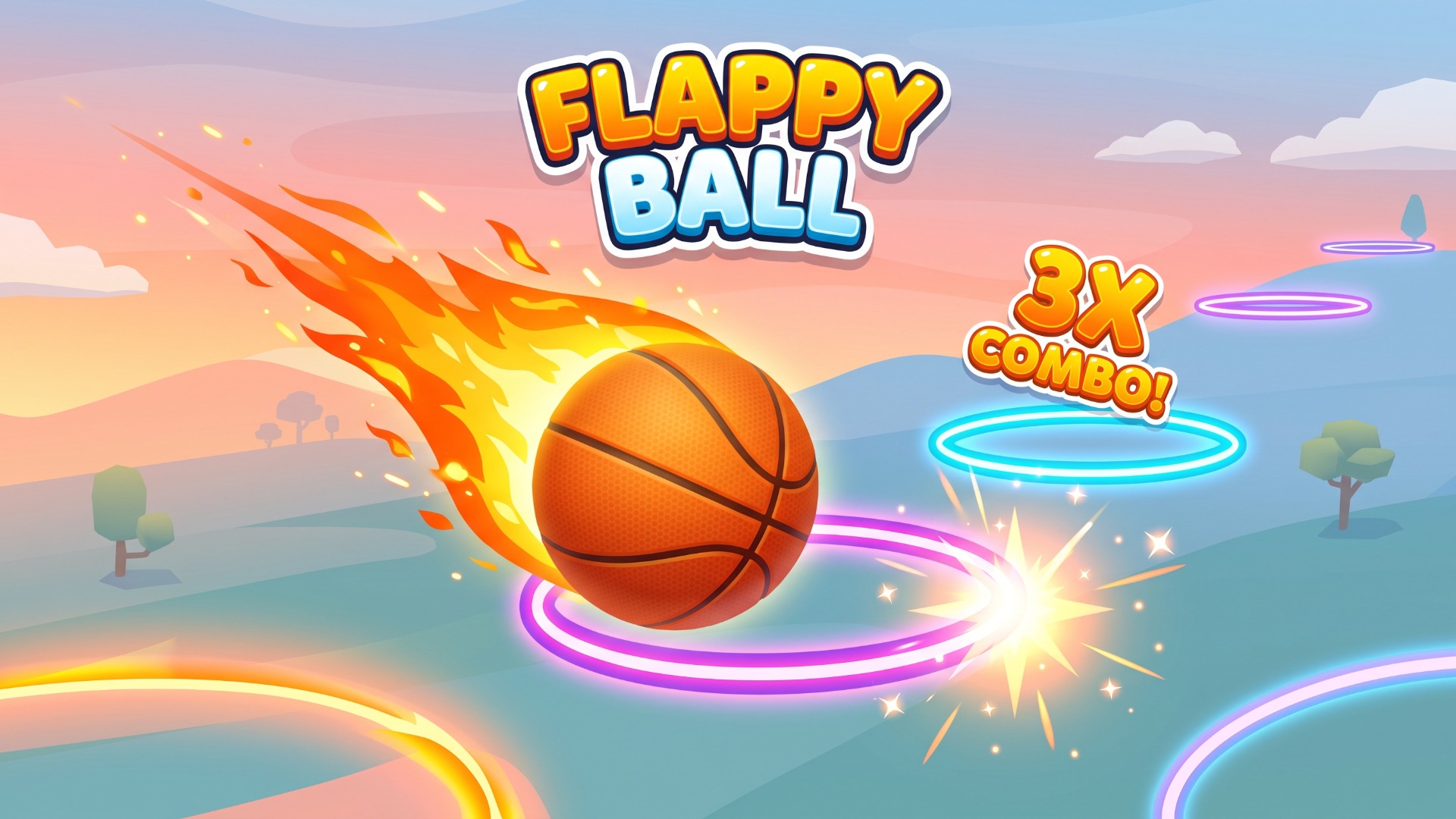
A HYBRID ARCADE GAME OF PINBALL & BASKETBALL -Flip the flippers and try to hit the ball into the basket. -Play against the CPU or another player on the same device. -Perfect your technique in the Academy - 100 increasingly challenging "assists" for you to try to score from.
How to play
- You control one set of flippers - either red or blue.
- Flipping uses just one button and flips all five of your flippers.
- See if you have what it takes to beat the computer.
- The default settings are "AMATEUR" speed against the computer on "EASY" difficulty with "AIM ASSIST" enabled (this gives you a little help with shot accuracy).
- Once you feel comfortable, try the other difficulties, "PROFFESSIONAL" speed, then switch "AIM ASSIST" off!
- If that's not enough, try the "FLIPPEE ACADEMY" - 100 levels (50 each at "AMATEUR" & "PROFESSIONAL" speeds) where the ball is launched and you must try to score - but each level only allows for a certain number of touches - and you must score before the ball hits your opponent's flippers.
- Navigate menus using: - Mouse - Touch - Keyboard (arrow keys and space to action) - Controller - direction pad and any of the main four buttons Use the game mode button to the left of the scoreboard to select between 7 game modes: - Longest Streak - see how many games


Tap ⋯ at the top right to share with friends
Share with friends
📖 About this game
A HYBRID ARCADE GAME OF PINBALL & BASKETBALL -Flip the flippers and try to hit the ball into the basket. -Play against the CPU or another player on the same device. -Perfect your technique in the Academy - 100 increasingly challenging "assists" for you to try to score from.
🎮 How to play
- You control one set of flippers - either red or blue.
- Flipping uses just one button and flips all five of your flippers.
- See if you have what it takes to beat the computer.
- The default settings are "AMATEUR" speed against the computer on "EASY" difficulty with "AIM ASSIST" enabled (this gives you a little help with shot accuracy).
- Once you feel comfortable, try the other difficulties, "PROFFESSIONAL" speed, then switch "AIM ASSIST" off!
- If that's not enough, try the "FLIPPEE ACADEMY" - 100 levels (50 each at "AMATEUR" & "PROFESSIONAL" speeds) where the ball is launched and you must try to score - but each level only allows for a certain number of touches - and you must score before the ball hits your opponent's flippers.
- Navigate menus using: - Mouse - Touch - Keyboard (arrow keys and space to action) - Controller - direction pad and any of the main four buttons Use the game mode button to the left of the scoreboard to select between 7 game modes: - Longest Streak - see how many games
A HYBRID ARCADE GAME OF PINBALL & BASKETBALL -Flip the flippers and try to hit the ball into the basket. -Play against the CPU or another player on the same device. -Perfect your technique in the Academy - 100 increasingly challenging "assists" for you to try to score from.
How to play
- You control one set of flippers - either red or blue.
- Flipping uses just one button and flips all five of your flippers.
- See if you have what it takes to beat the computer.
- The default settings are "AMATEUR" speed against the computer on "EASY" difficulty with "AIM ASSIST" enabled (this gives you a little help with shot accuracy).
- Once you feel comfortable, try the other difficulties, "PROFFESSIONAL" speed, then switch "AIM ASSIST" off!
- If that's not enough, try the "FLIPPEE ACADEMY" - 100 levels (50 each at "AMATEUR" & "PROFESSIONAL" speeds) where the ball is launched and you must try to score - but each level only allows for a certain number of touches - and you must score before the ball hits your opponent's flippers.
- Navigate menus using: - Mouse - Touch - Keyboard (arrow keys and space to action) - Controller - direction pad and any of the main four buttons Use the game mode button to the left of the scoreboard to select between 7 game modes: - Longest Streak - see how many games
The game keeps running. Swipe down or tap outside to close
Game source: Playgama · Copyright belongs to the original developer · Game sources & licensing
Related games More Arcade