BuildCraft
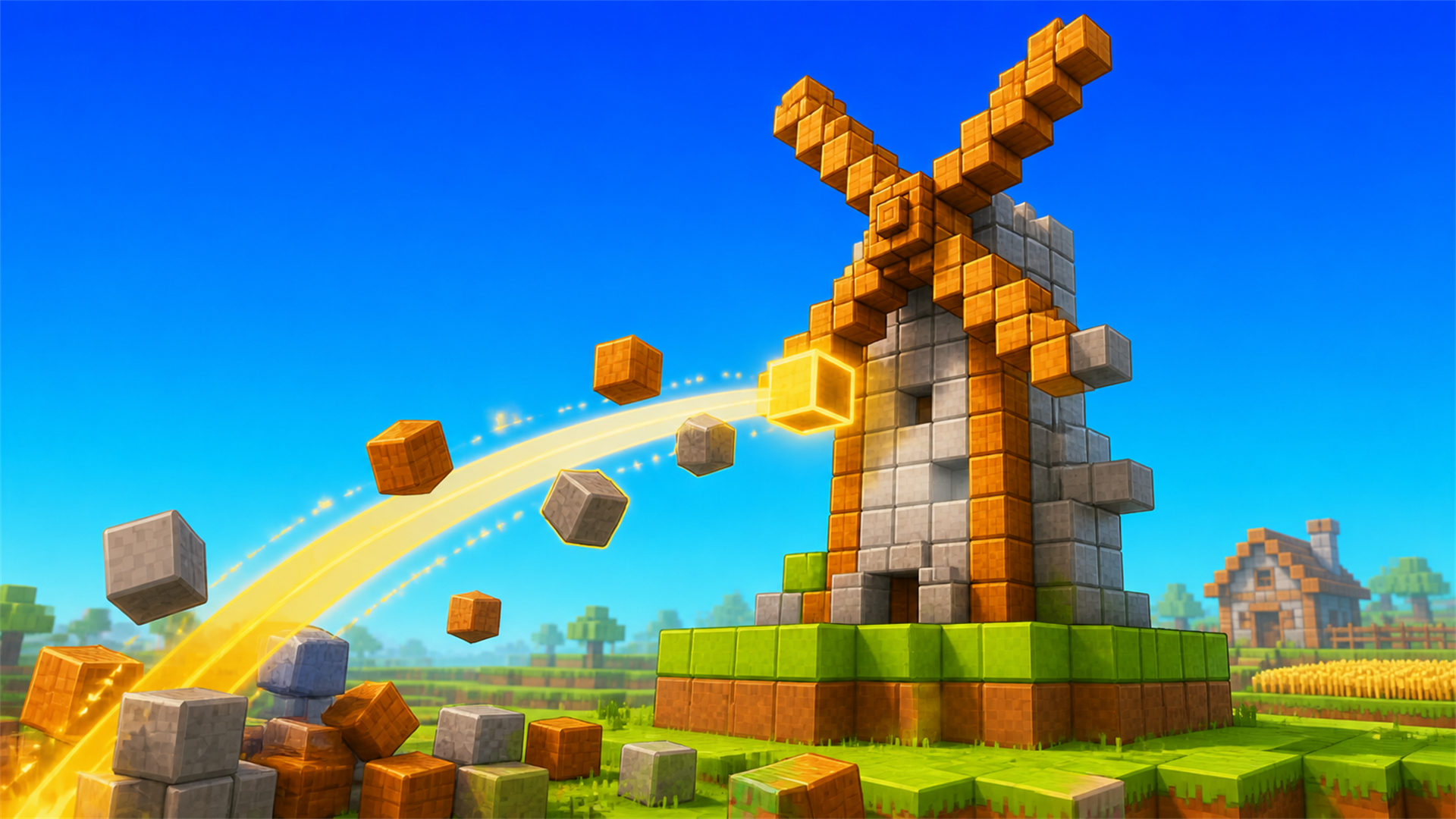
BuildCraft is a creative 3D block-building game where you can explore a colorful voxel world and turn construction plans into finished builds. Choose a project, follow its transparent block outline, and place each block to bring houses, wells, windmills, and other structures to life. Move freely, jump or fly around your world, select materials from the creative inventory, and place or remove blocks whenever you want. Complete guided builds at your own pace, then keep experimenting by shaping the terrain and creating your own designs. Play directly in your browser on desktop or mobile.
How to play
- Choose a building project and place blocks inside its transparent outline until the structure is complete.
- You can also explore freely and create your own designs.
- Desktop: use WASD to move, the mouse to look around, Space to jump, Shift to sprint, hold the left mouse button to remove a block, and right-click to place a block.
- Press E or I for the creative inventory, 1–9 to select a hotbar slot, B for Buildings, F to toggle flight, and Esc for settings.
- Mobile: use the on-screen joystick and action buttons to move, look around, jump, place or remove blocks, open the creative inventory, choose buildings, and fly.


Tap ⋯ at the top right to share with friends
Share with friends
📖 About this game
BuildCraft is a creative 3D block-building game where you can explore a colorful voxel world and turn construction plans into finished builds. Choose a project, follow its transparent block outline, and place each block to bring houses, wells, windmills, and other structures to life. Move freely, jump or fly around your world, select materials from the creative inventory, and place or remove blocks whenever you want. Complete guided builds at your own pace, then keep experimenting by shaping the terrain and creating your own designs. Play directly in your browser on desktop or mobile.
🎮 How to play
- Choose a building project and place blocks inside its transparent outline until the structure is complete.
- You can also explore freely and create your own designs.
- Desktop: use WASD to move, the mouse to look around, Space to jump, Shift to sprint, hold the left mouse button to remove a block, and right-click to place a block.
- Press E or I for the creative inventory, 1–9 to select a hotbar slot, B for Buildings, F to toggle flight, and Esc for settings.
- Mobile: use the on-screen joystick and action buttons to move, look around, jump, place or remove blocks, open the creative inventory, choose buildings, and fly.
BuildCraft is a creative 3D block-building game where you can explore a colorful voxel world and turn construction plans into finished builds. Choose a project, follow its transparent block outline, and place each block to bring houses, wells, windmills, and other structures to life. Move freely, jump or fly around your world, select materials from the creative inventory, and place or remove blocks whenever you want. Complete guided builds at your own pace, then keep experimenting by shaping the terrain and creating your own designs. Play directly in your browser on desktop or mobile.
How to play
- Choose a building project and place blocks inside its transparent outline until the structure is complete.
- You can also explore freely and create your own designs.
- Desktop: use WASD to move, the mouse to look around, Space to jump, Shift to sprint, hold the left mouse button to remove a block, and right-click to place a block.
- Press E or I for the creative inventory, 1–9 to select a hotbar slot, B for Buildings, F to toggle flight, and Esc for settings.
- Mobile: use the on-screen joystick and action buttons to move, look around, jump, place or remove blocks, open the creative inventory, choose buildings, and fly.
The game keeps running. Swipe down or tap outside to close
Game source: Playgama · Copyright belongs to the original developer · Game sources & licensing
Related games More 3D